Hands-on Mac training

Your Mac can do more. So can you.

Small, hands-on sessions that turn the Mac you already own into the fastest tool you have. Bring your Mac, leave with it set up, and get hours back every week.

Join the club
  • Bring your own Mac
  • Small groups
  • In person or live online
  • Beginner to advanced
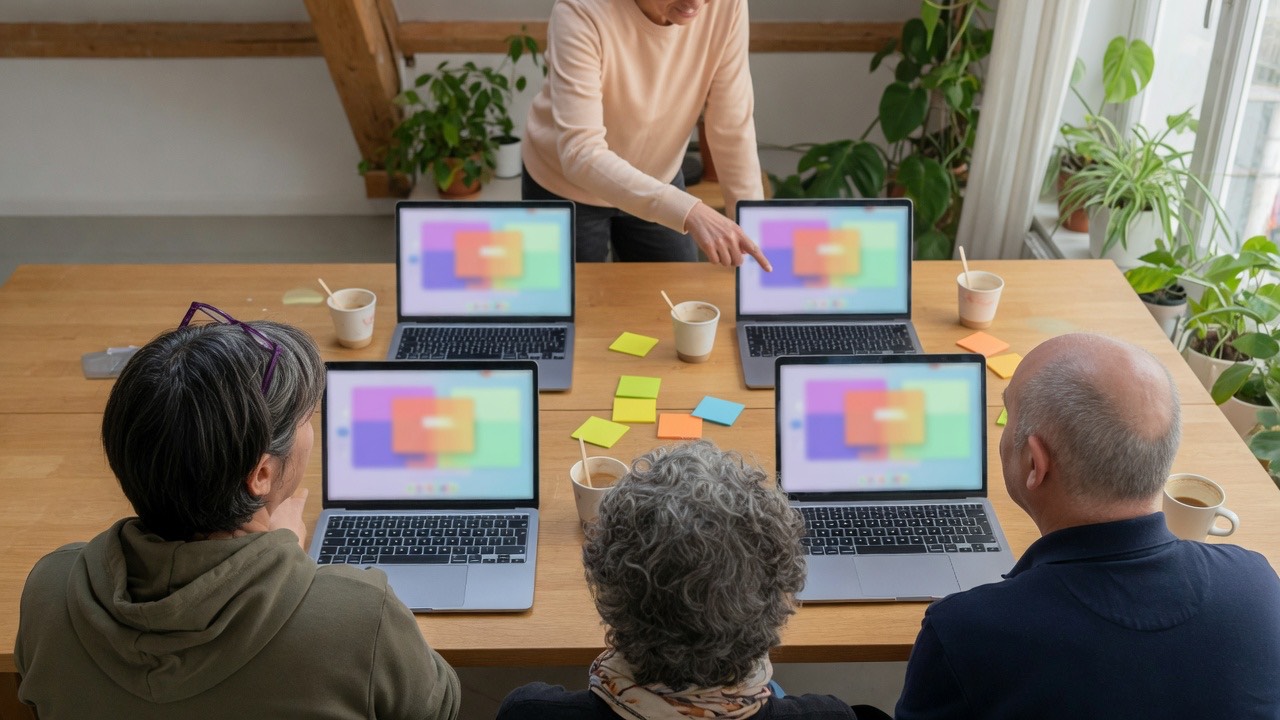
A small workshop seen from behind the participants: each person works on their own laptop while the instructor points at one screen.

Why it works

Real work, on your own Mac.

  • Hands on, not slides.

    You do every step on your own Mac while we're in the room.

  • Your work, not a demo.

    We set it up around the email, files and apps you actually use.

  • Leave with it running.

    Every session ends with at least one thing working that saves you time tomorrow.

Courses

Seven sessions, beginner to advanced.

Not sure where to start?

  • Half-day
  • Hands-on

Mac Mastery: The Keyboard-First Mac

You'll learn

  • Spotlight as your command center
  • The 25 shortcuts that pay off every day
  • Window tiling, Stage Manager and Mission Control
  • Finder power moves: tags, smart folders, Quick Look
  • Text replacements and screenshots
  • Continuity: Handoff, Universal Clipboard, AirDrop and iPhone Mirroring
  • Half-day
  • Hands-on

Automate It: Shortcuts, Focus and Rules

You'll learn

  • Build your first Shortcuts and run them from the menu bar
  • Focus modes that silence the noise
  • Mail rules and VIPs
  • Calendar and Reminders that plan themselves
  • Folder actions and templates so repeat work does itself
  • 2-hour workshop

Inbox, Calendar and Notes, Tamed

You'll learn

  • Get to inbox zero in Mail and stay there
  • Smart mailboxes and send later
  • Time-block your week in Calendar
  • Notes as a second brain: tags, smart folders, links
  • Reminders lists that actually get done
  • 2-hour workshop

AI on Your Mac

You'll learn

  • Writing Tools to rewrite, proofread and summarize anywhere
  • Summaries in Mail and notifications
  • Siri with ChatGPT
  • Claude and ChatGPT desktop apps side by side
  • Dictation that keeps up
  • AI privacy settings you should check today
  • Advanced
  • 2-hour course + 2-hour hands-on
  • Small group or 1-on-1

Agent Mode

Taught by Soo Kwon · $400 per seat

You'll learn

  • Have AI answer and sort your email
  • Run your Mac from your phone while you're out
  • Pay bills, sign up for sites and save logins to your password manager (with your OK)
  • Build and host websites on free tiers
  • Make games, iPhone and Mac apps, and AI video
  • SEO and million-dollar proposals in minutes

Advanced: you already use AI most days and have tried an AI that takes actions.

  • 2-hour workshop

Secure and Smooth Mac

You'll learn

  • The Passwords app and passkeys
  • Time Machine and iCloud backups that you've actually tested
  • Storage cleanup
  • Privacy and security settings worth changing
  • Moving to a new Mac without losing a thing

How it works

Four steps from sign-up to set up.

  1. Join the club.

    Tell us about your Mac and what you want to get faster at. Free.

  2. Pick your session.

    A workshop, a deep-dive course, 1-on-1 coaching, or training for your team.

  3. Bring your Mac.

    Small groups, hands on, every step on your own machine.

  4. Leave with it running.

    Plus the monthly Power Move: one tip, new dates, first dibs on seats.

Formats

Four ways to learn.

Over-the-shoulder view of a 1-on-1 session: a coach gestures at the laptop screen while the learner follows along.
  • Live workshops

    90 min to 2 hours, small groups.

  • Deep-dive courses

    Half-day, hands-on.

  • 1-on-1 coaching

    Your Mac, your work, by request.

  • Team training

    At your office in the Lehigh Valley or live online, custom for your team.

    Train my team

Workshop and course prices are posted with each date. Join the club to hear first.

Teams

Just moved your team to Mac? Or never got the training?

At your office in the Lehigh Valley or live online, custom for your team.

Train my team
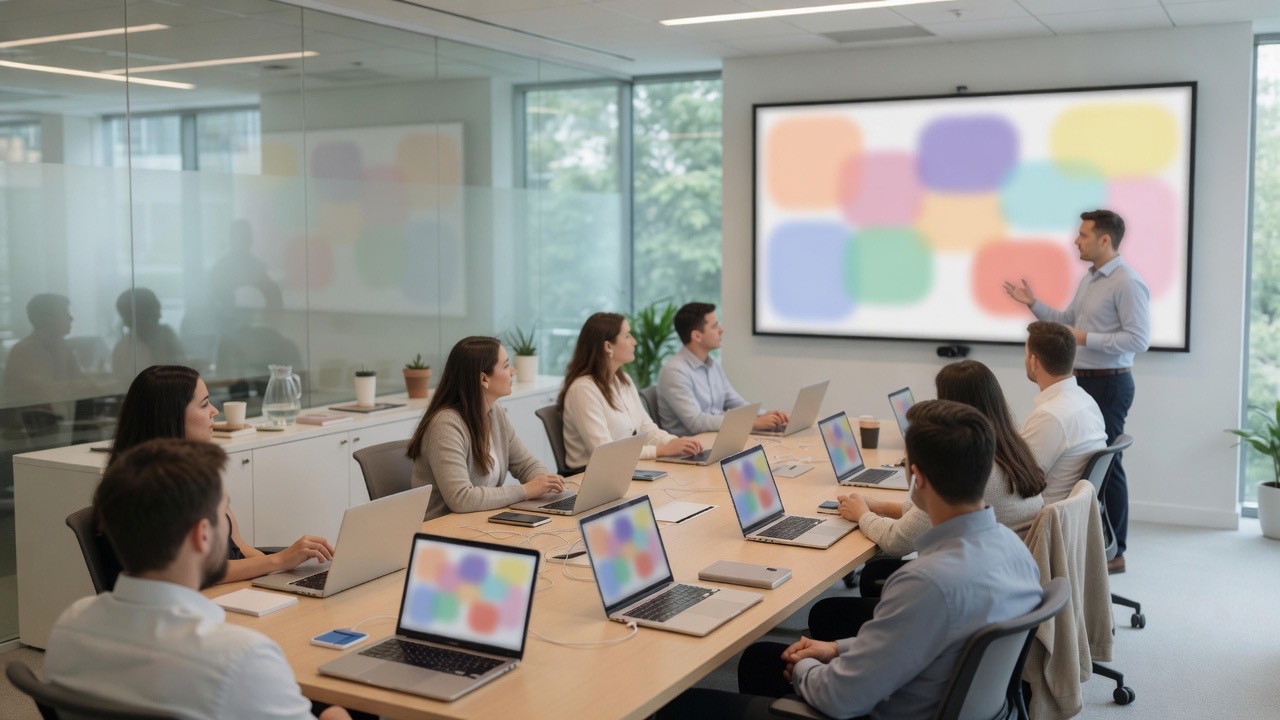
A team training session in an office conference room: colleagues with laptops follow a trainer at a wall display.

Instructors

Who's in the room.

  • David Robertson

    Leads the Power Users Club and its Think Leaner. Live Fuller. workshops, helping busy people work with less friction and more focus.

  • Soo Kwon

    Builds websites, apps, games, videos and proposals with AI agents every day, and teaches Agent Mode.

FAQ

Good questions.

Do I need the newest Mac?

No. Any Mac that runs a recent version of macOS works. Tell us what you have when you join and we'll check.

I'm not very technical. Is this for me?

Yes. Start with Think Leaner. Live Fuller. or Mac Mastery. Agent Mode is the one advanced class.

What should I bring?

Your Mac and charger, your Apple Account password, and one task you wish took less time.

Do you cover iPhone too?

Where it helps: Handoff, AirDrop, iPhone Mirroring and the apps you use on both.

Can you train my whole team?

Yes, at your office in the Lehigh Valley or live online. Tell us about your team.

What does joining the club cost?

Nothing. Members get the monthly Power Move and first dibs on new dates.
Press Command to begin.

Join the club

Find a course